 Clenva
Free up
your iPhone
Clean, organize and protect your photos, videos and contacts in one app.
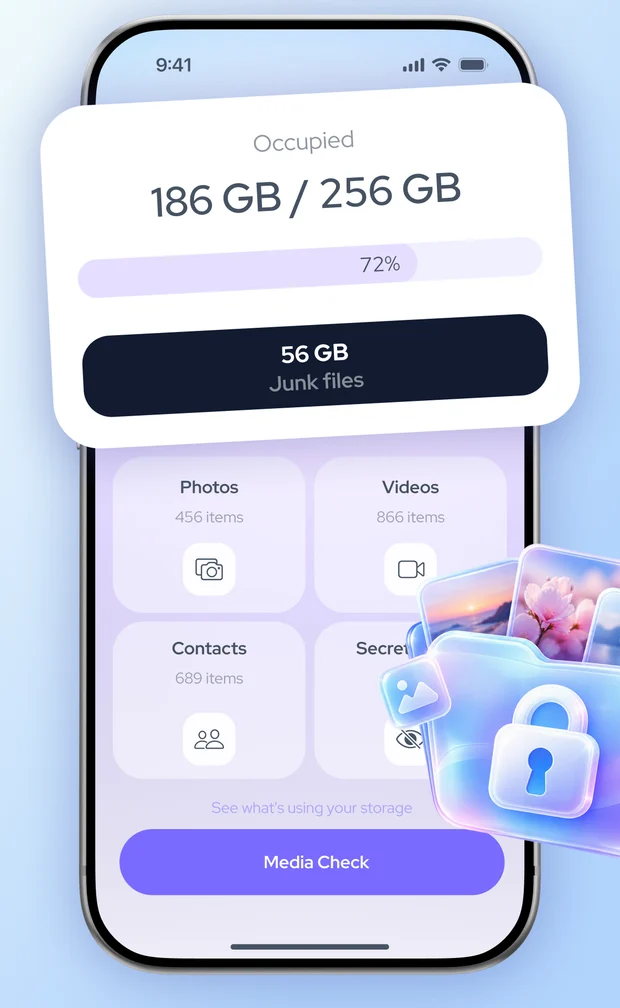
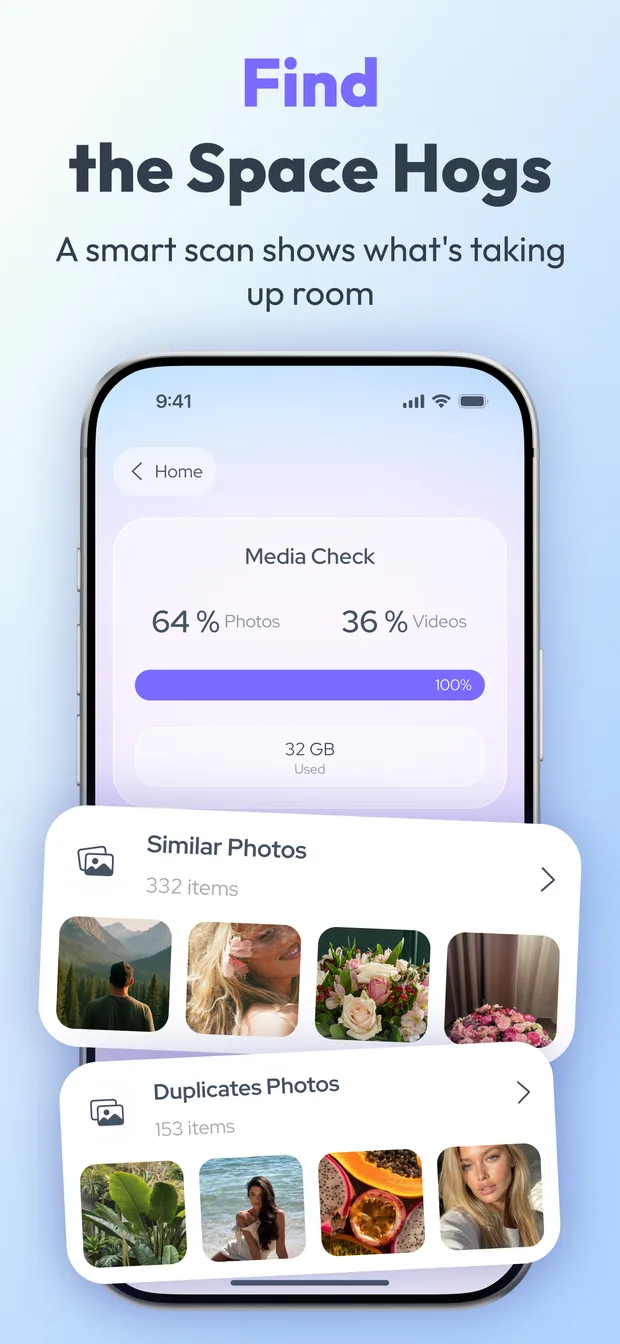
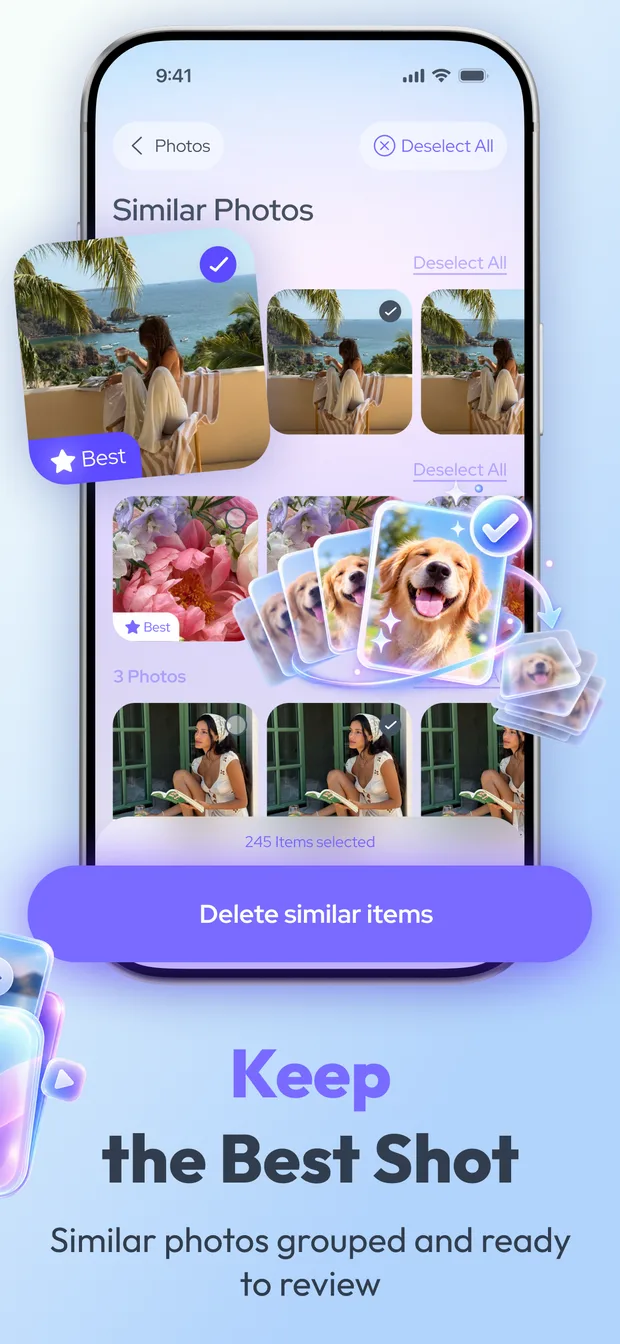
- Similar & duplicate photos
- Videos
- Contacts
- Secret Space
- Media Check
Take the tour
Find the space hogs. Keep what matters.
Each tool shows you what it found. Nothing is deleted or moved until you confirm.
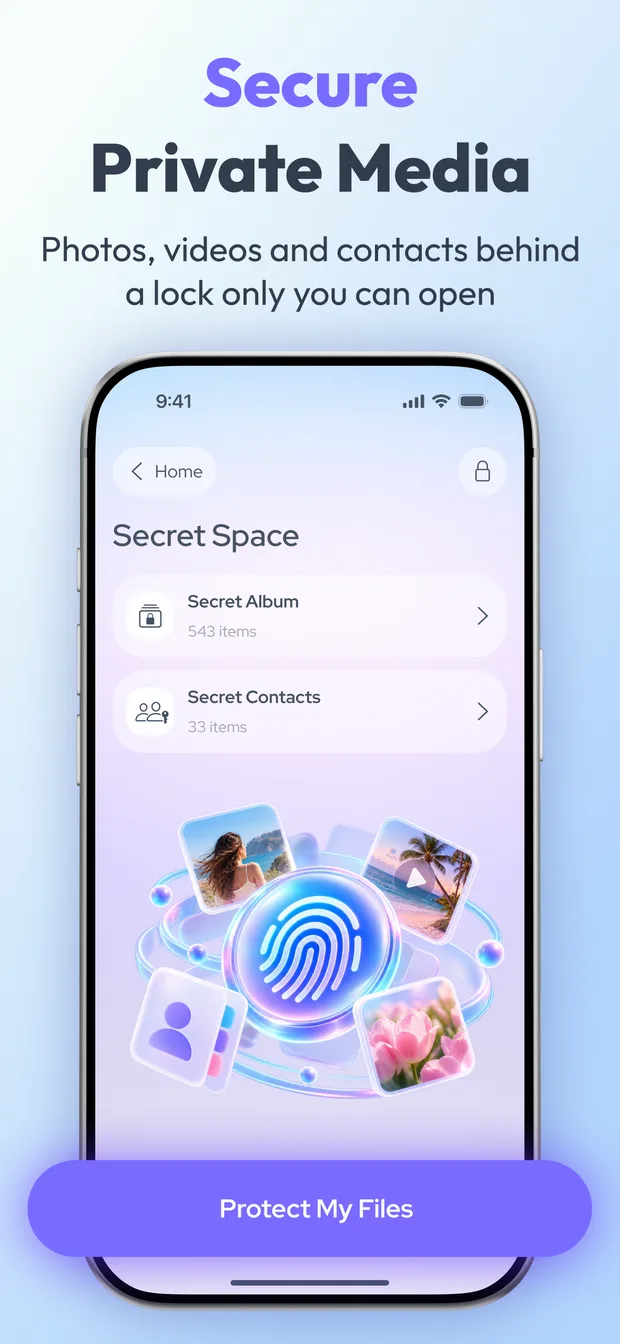
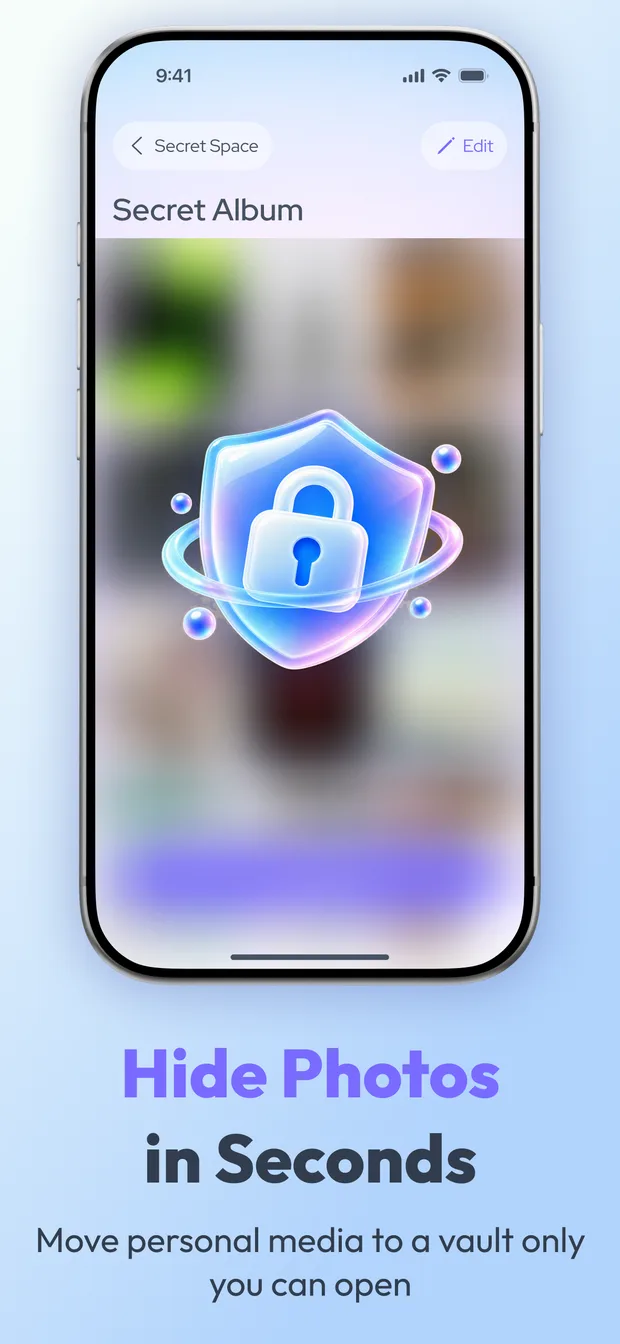
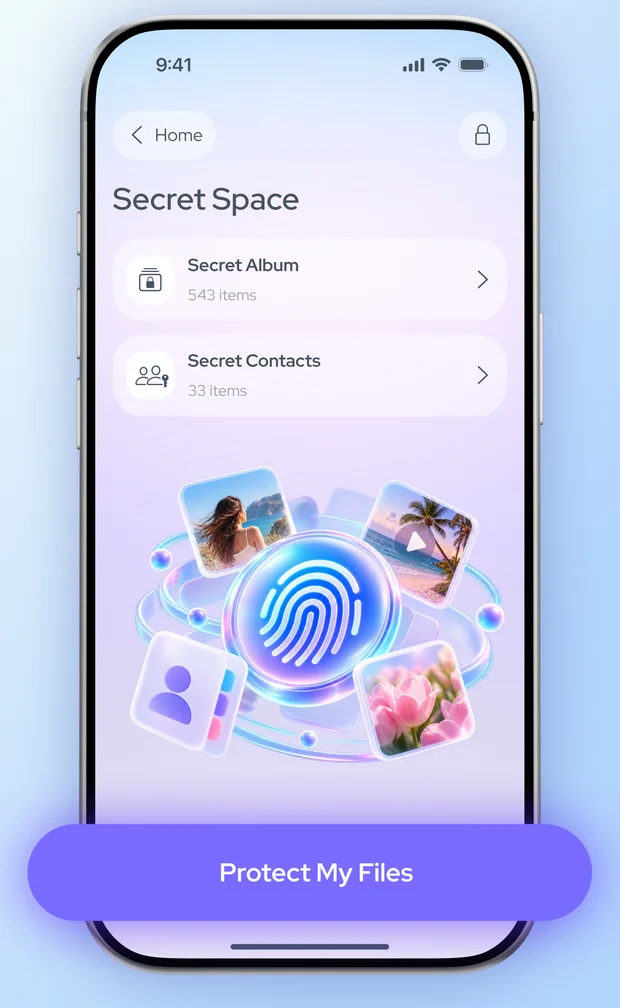
Secret Space
A lock only you can open.
Keep private photos, videos and contacts in a separate space inside the app, away from your main library.
- 1Face ID, Touch ID or passcode. iOS checks your identity; Clenva never receives your biometric data.
- 2Stays on your iPhone. Secret Space is stored on your device, not on our servers.
- 3Move items back any time. Before deleting the app, move anything you want to keep out of Secret Space.
Private by design
Your library stays yours.
Photos uploaded
Scanning and grouping run on your iPhone. We never receive your photos, videos or contacts.
Days to change your mind
Deleted photos and videos go to Recently Deleted in the Photos app, where iOS keeps them for up to 30 days.
Tap to confirm
Suggestions are only suggestions. Nothing is removed until you review it and confirm.
FAQ
Questions, answered.
Does Clenva upload my photos?
No. Photos, videos and contacts are analyzed on your iPhone and are never uploaded to our servers.
What happens to Secret Space if I delete the app?
Secret Space is stored inside the app on your device. Deleting the app can permanently remove its contents, so move anything you want to keep back to your library first.
Is Clenva free?
Clenva is free to download. Some or all features require a subscription; a free trial may be offered. Prices are shown in the app before you subscribe.
How do I cancel my subscription?
Open Settings, tap your name, then Subscriptions, choose Clenva and tap Cancel Subscription. Deleting the app does not cancel it. More help